KVerify
Identity verification with no dead ends.
A provider-agnostic KYC widget that replaces hard rejections with recovery paths and admin review, built after only 24% of sessions on the previous flow ended verified.
- role
- Sole engineer · built end to end
- year
- 2026
- platform
- Web · embeddable widget
- live
- private
- stack
- Next.js 16ReactTypeScriptPostgreSQLProvider adaptersMaps APIsOCRObject storage
The problem
Kwikpik moves money, so customers have to pass KYC to move up a tier. The step from Tier 2 to Tier 3 is where we were losing them. On the provider-hosted flow we were using, most applicants never finished. I pulled the numbers from the provider's dashboard: out of 282 sessions, fewer than one in four ended verified.
24%
Sessions that ended with an approved applicant.
53%
Applicants who left before the flow reached a decision.
15%
Rejected outright, with no route back in.
58%
Came from two steps: facial checks and proof of address.
Two steps did most of the damage. The first was facial recognition, which is really two checks: a liveness check, then a match between the live face and the photo on the ID. The second was proof of address.
The single largest failure reason, 23% of all failures, was that the applicant's phone was not close enough to the address on their utility bill. That check fails anyone who is not at home when they apply.
Why the usual address checks did not fit
Providers verify an address in one of three ways, and each one breaks for our users:
- Send someone to the address. Accurate, but it does not scale.
- Geocode the bill and require the phone to be within about 50 metres of it. The applicant can only complete KYC from home. This was our top failure reason.
- Sample the phone's location over several days. The applicant has to stay in one area, and the result is never instant.
How I solved it
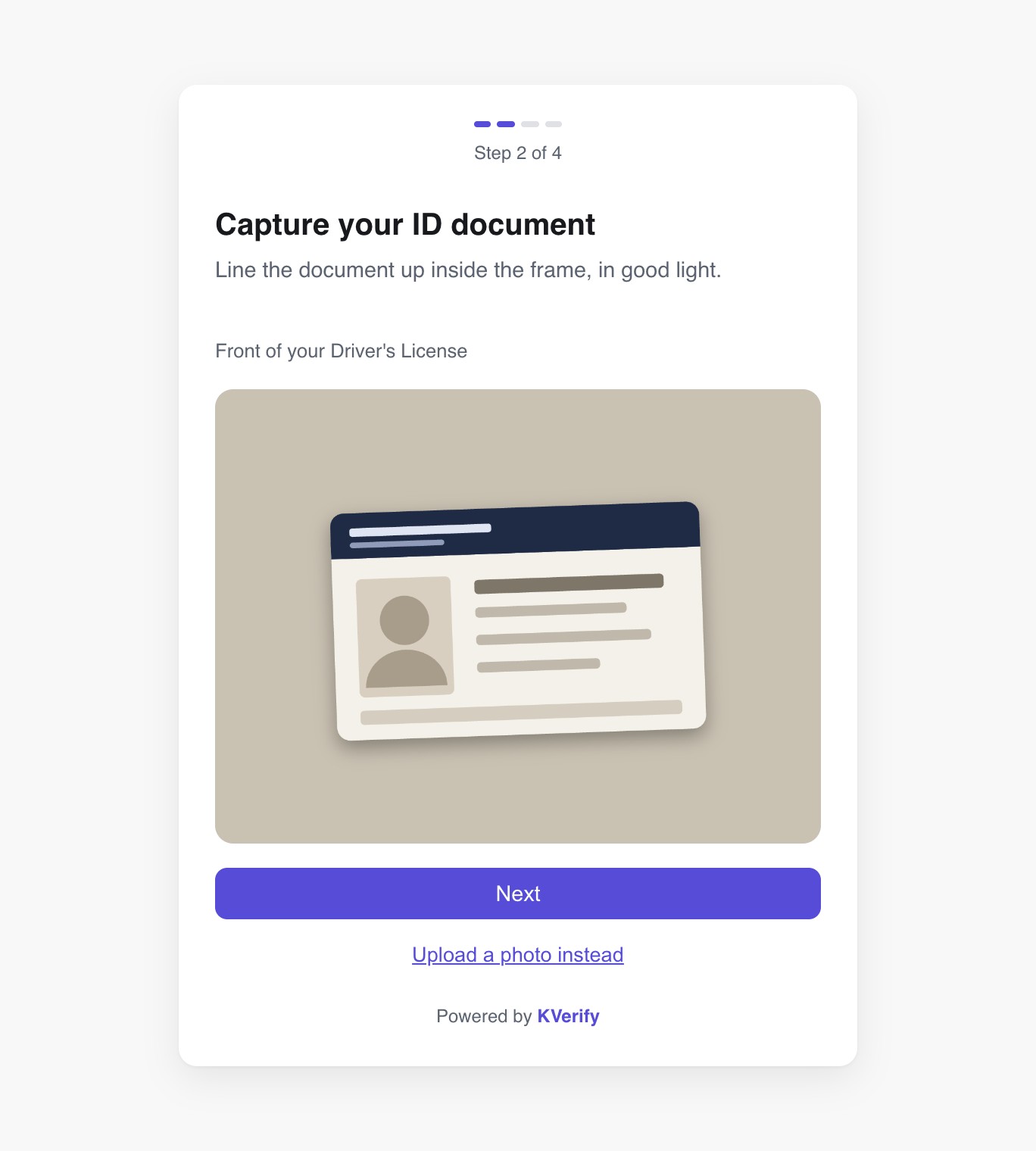
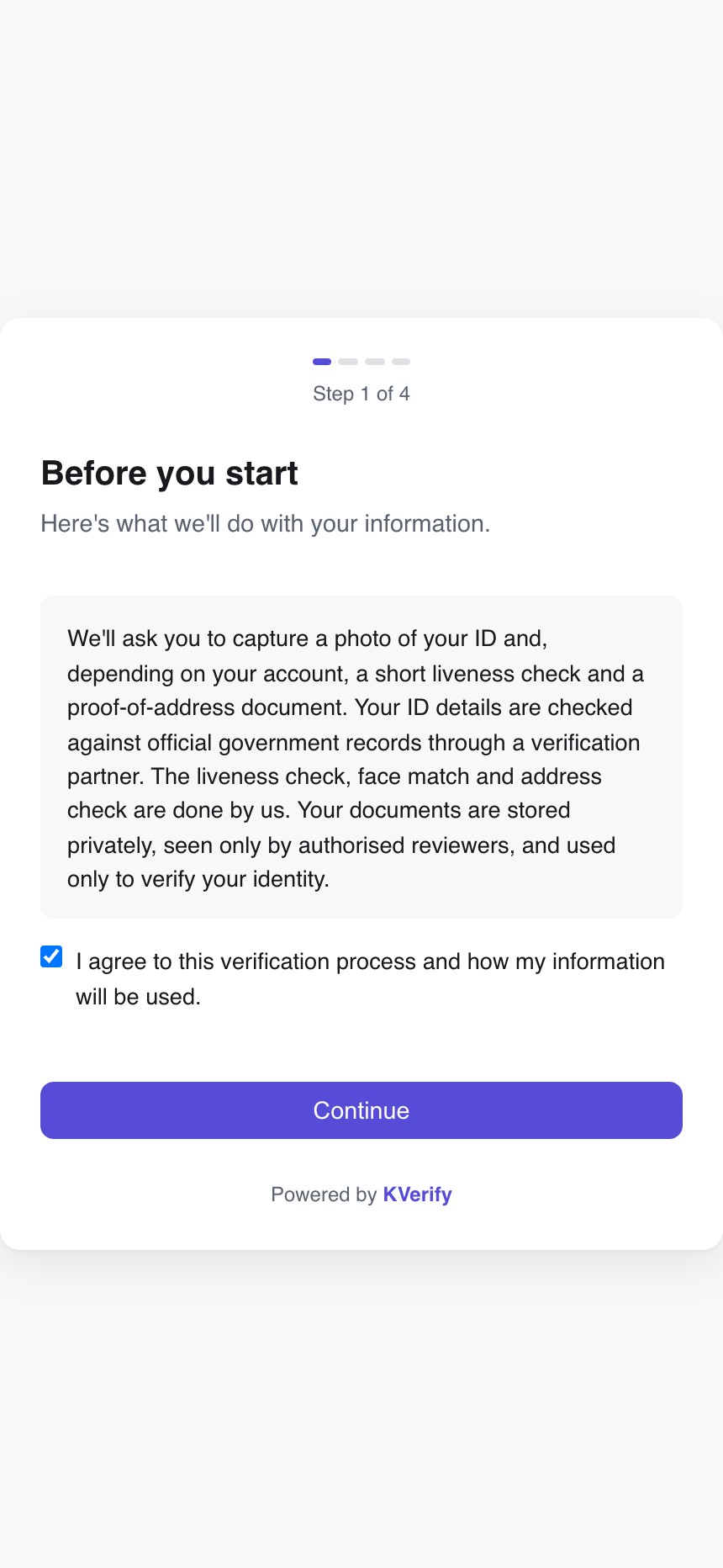
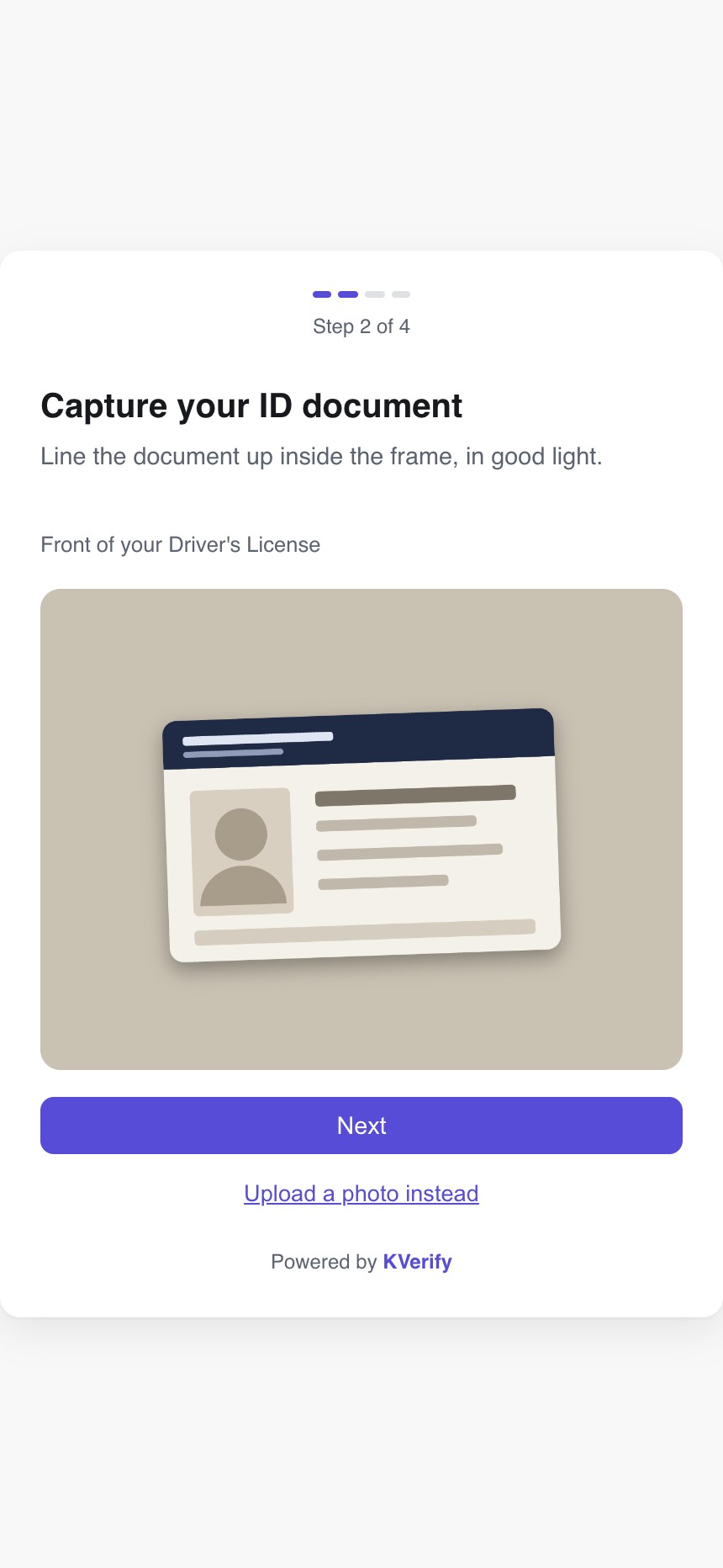
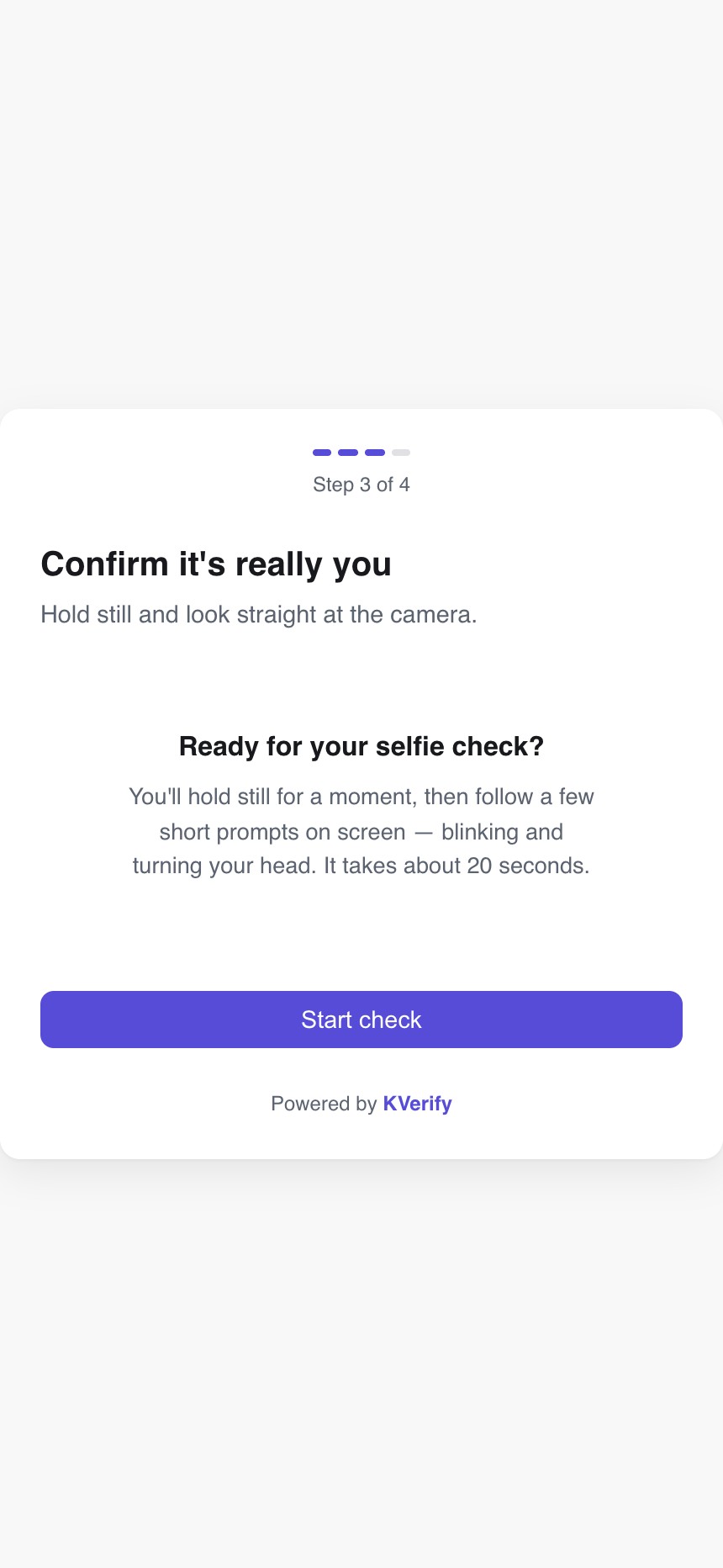
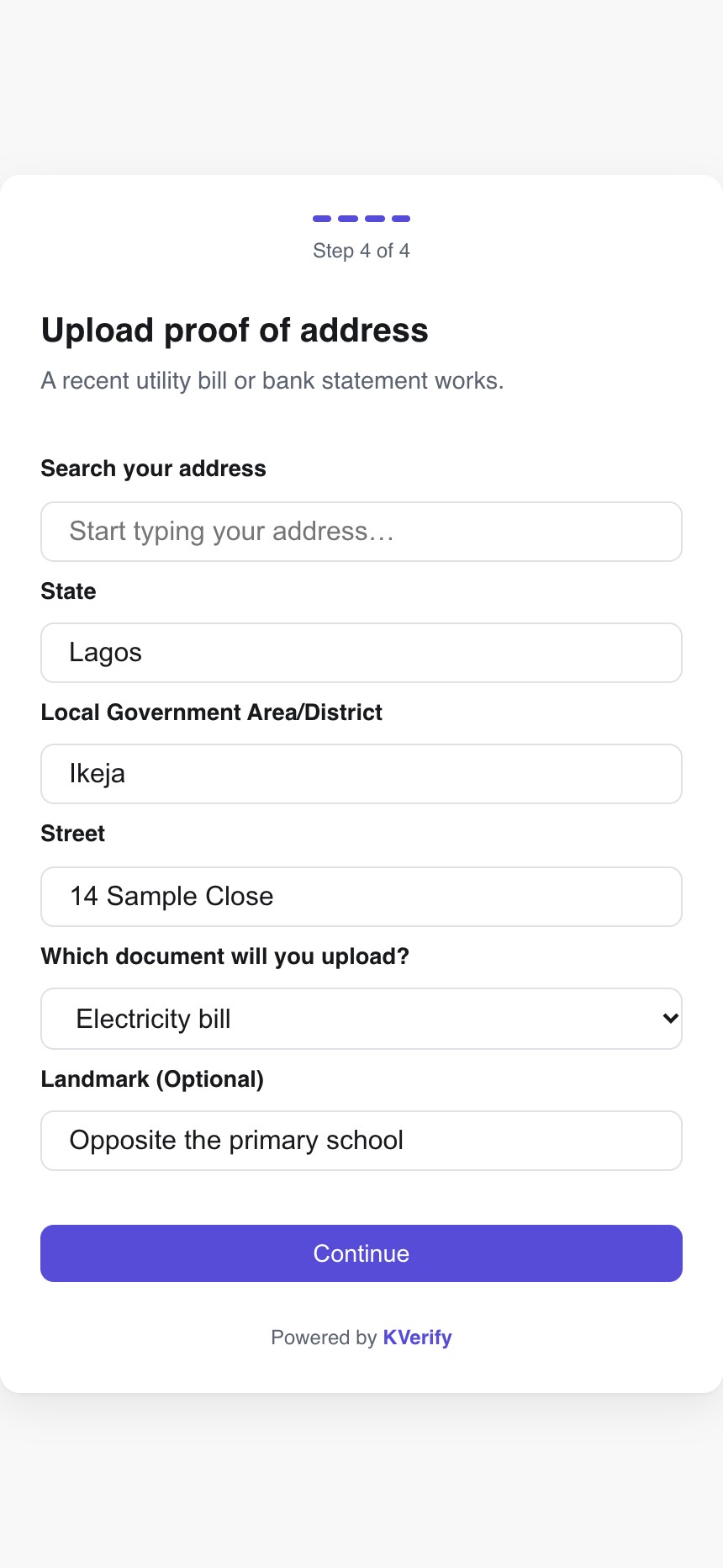
I built KVerify, and I built all of it myself: the embeddable widget, the checks that run behind it, the evidence storage and the admin review tools. The individual flow is four steps: consent, ID document, liveness and face match, proof of address. Three decisions shaped it.
1. Review instead of reject
A failed automated check is not proof of fraud, so every failure has a way forward.
If the portrait on a valid ID is too unclear to match the live selfie, the applicant can upload a second ID. That second ID is never treated as verified. It sends the case to an administrator, who compares the ID confirmed against government records, the second ID and the liveness photo side by side.
Address problems go the same way, and they are common: the address on a bill is often written very differently from the one the applicant typed, and some addresses cannot be placed on a map at all. An administrator can look at the case properly and approve it, or reset the applicant to the address step with a specific request, such as a clearer document or one from a real utility or bank. People regularly submit receipts or records from an ajo (a rotating savings group), which a bot can only fail.
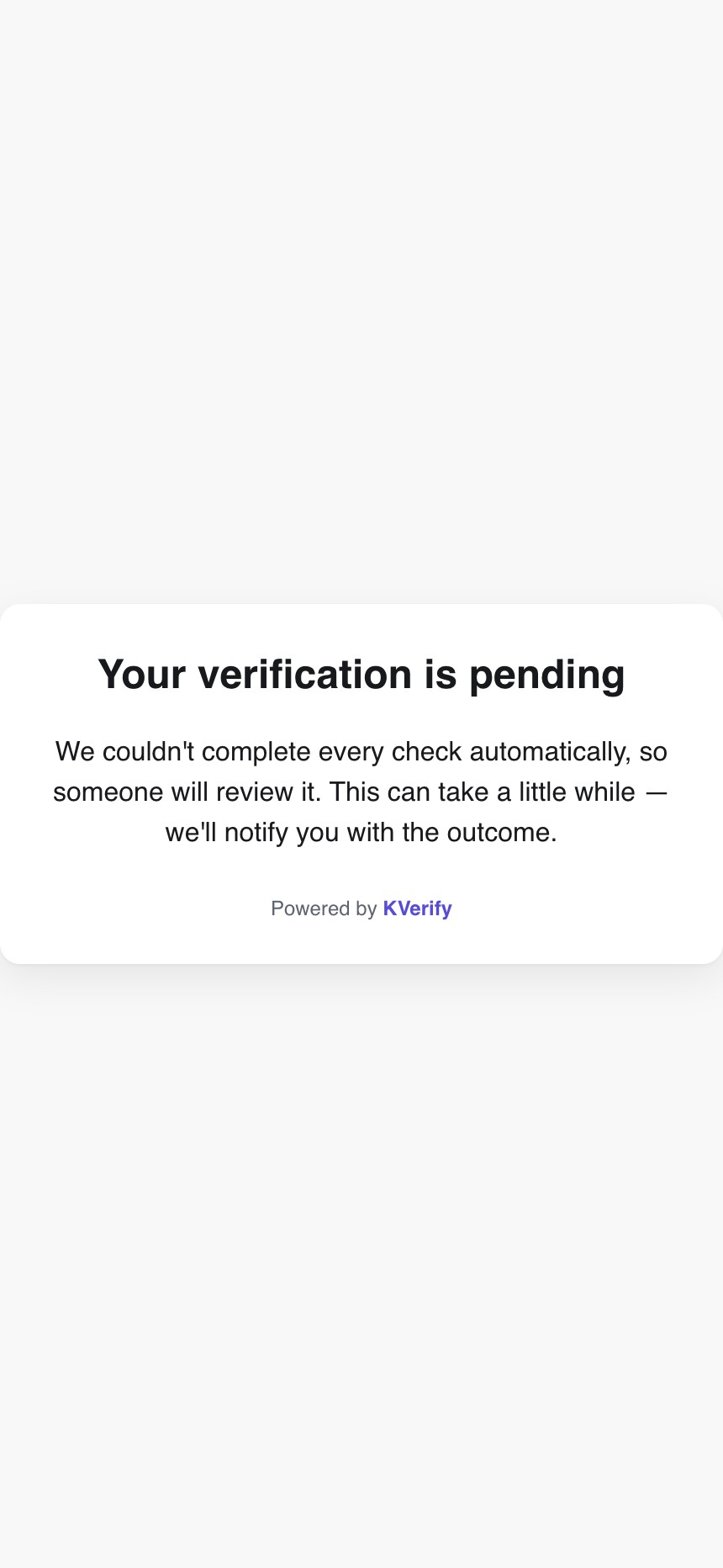
Trade-off: reviewed cases are not instant and need trained admins. A lot of applications are still approved automatically, because the automated checks are good enough to pass the clean ones on their own. The queue holds only the cases a machine should not decide alone.
2. Compare the bill to the claimed address, not to the phone
The applicant enters their address and uploads a proof-of-address document. The server reads the bill, checks its date, and compares the bill's address with the address the applicant claimed. Nothing depends on where the phone is.
Many Nigerian addresses are poorly mapped, and a bill often names an estate where the applicant typed a street. So "could not find this address on a map" is recorded as its own result and routed to review, not treated as a mismatch.
Applicant submits address fields and proof-of-address document.
OCR, document-date checks, address-token comparison and geocoding.
The result becomes evidence for the workflow, not a standalone approval.
Consistent evidence
Continue toward approval, subject to the rest of the verification.
Ambiguous evidence
Keep the application in review with the bill, OCR trace and distance signals.
Needs correction
Ask for a clearer or more appropriate document when the evidence cannot support the claim.
Trade-off: this does not prove the applicant is physically at the address. The document carries that weight, which is why unclear documents go to a human.
3. The provider only checks government records
KVerify runs the liveness check, the face match and the address check itself. The provider has one job: confirming the ID against government databases.
Because that job is narrow, provider code sits behind an adapter that returns one result shape: passed, retry, needs review or rejected, with the evidence attached. If a provider goes down or raises prices, we switch it out. The UI and the applicant's experience do not change.
Trade-off: each new provider still needs its own adapter, and the liveness, face-match and address checks are now ours to maintain.
Evidence stays private
IDs, selfies and bills go to a private storage bucket. Nothing in it is publicly reachable, and only a short list of authenticated admins can open a file.
Outcome
About a month in, roughly 90% of sessions on KVerify end verified, against 24% on the old flow. Around half of those are approved automatically and the other half pass through admin review.
- No dead ends. Every failure that used to end a session now has a retry or a review path.
- Up to 90% lower verification cost than sending every check to a provider. The provider is paid only for government-database lookups; liveness, face match and address run in KVerify.
- Our own messaging. Because the flow is ours, we can send different applicants different messages and ask for different documents, without waiting on a provider.
- No provider lock-in. One UI and one UX, whichever provider does the government lookup.
What's next
This covers individual KYC. Business verification is more involved, with registration documents, signatories and supporting checks on top of the individual steps, and is in progress.
What I learned
I started out treating verification as pass or fail. The numbers showed that most failures were not fraud; they were the check being wrong about real people. Half of all approvals still go through a person, so if I built it again I would build the review path first and automate around it.
Proof
KVerify is an internal product and the repository is private. The launch video below shows the real widget running on demo data, as do the screens above (the ID card in them is a drawing, not a real document).